Physical Address
304 North Cardinal St.
Dorchester Center, MA 02124
Physical Address
304 North Cardinal St.
Dorchester Center, MA 02124

A personal story from inside the design chaos.
The first time I treated AI like a teammate was completely accidental. I was stuck on a UI flow — one of those days where every screen you design looks like a slightly uglier version of the previous one. Out of frustration, I asked my AI assistant to “give me three alternative layouts that reduce confusion for new users.”
To my surprise, it actually gave me something usable. Not perfect. Not magical. But enough to break the mental block.
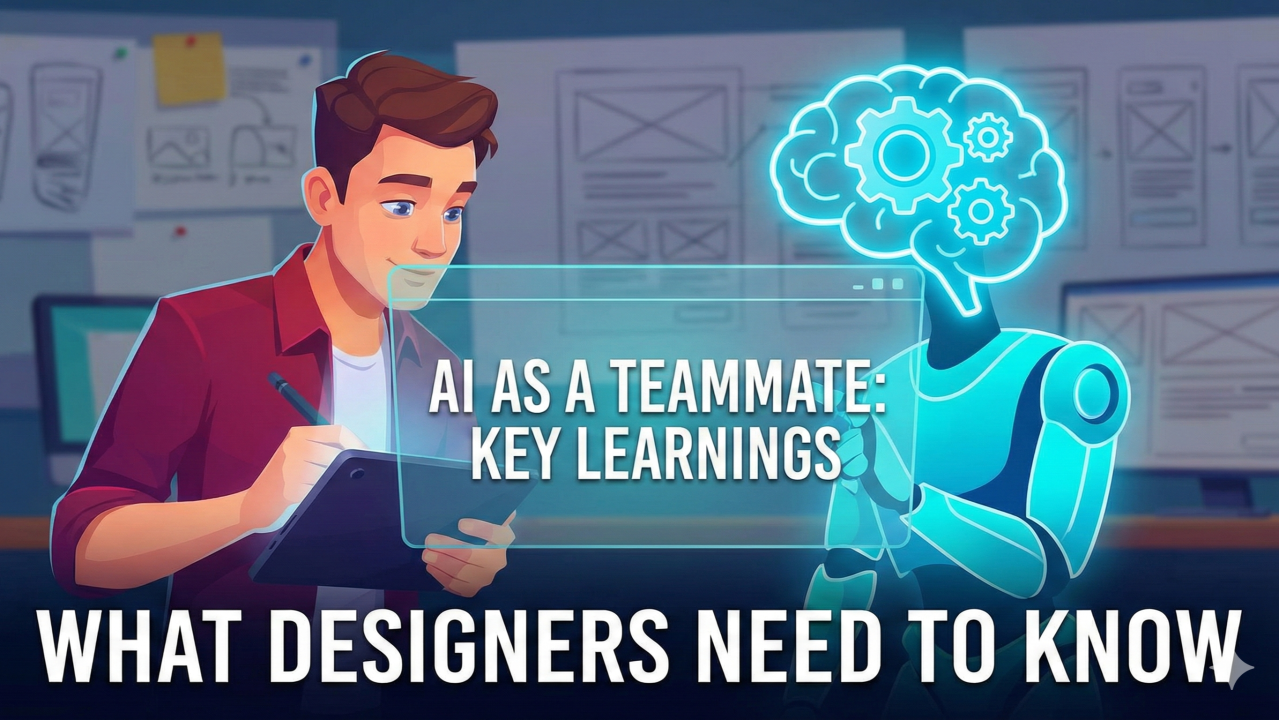
That was the moment I realized: AI isn’t a tool anymore — it behaves like a teammate.
I will be sharing 5 points that I personally feels you will adopt/become after using AI as your teammate.
When AI started generating ideas faster than I could even judge them, I had this weird shift in my mind.
I wasn’t the one “doing the design” anymore. I was the one guiding the design.
Just like managing a junior designer, I had to:
It reminded me of a quote from a UX researcher who said,
Designers don’t lose control with AI — they gain a co-pilot.
That’s exactly how it feels.
At some point, I realized my prompts sounded exactly like the mini-briefs I give teammates:
Design a card layout that reduces cognitive overload for flight search results. Keep visual noise low and prioritize clarity.
The funny part? When I was vague, the AI was vague. When I was precise, the AI was brilliant.
It taught me something important: Better thinking leads to better prompting.
Once, while working on a multilingual interface (Urdu, English, Arabic), I asked my AI teammate to suggest optimizations for readability.
It came up with a suggestion about adjusting reading rhythm for right-to-left languages. Something so subtle, yet so meaningful, that I had never consciously thought about it.
I laughed because I felt both impressed and slightly offended — How dare you teach me something about my own languages?
But that’s the thing about AI: It has no ego, so it explores freely.
AI once gave me accessibility rules that looked official… and were completely wrong. That’s when I learned to treat AI like a teammate who’s super fast but sometimes dangerously confident.
Nielsen Norman Group has also warned about “confidently incorrect UX recommendations” from AI in their articles in many different ways.
So now my rule is simple: Trust, but always verify.
The biggest change wasn’t in the screens I designed. It was in the time I got back.
AI now helps me with: – UX writing drafts – Persona summaries – UI variations – Competitor breakdowns – Documentation – Boring repetitive tasks that drain creativity
And that gives me more room to focus on: – User empathy – Storytelling – Emotional experience – Problem-solving – Deeper design thinking
This is where AI can’t reach. This is where designers still win.
AI didn’t take my job, nor will it take the job of any other designer. It took my busywork, not my design sense.
Now, instead of spending hours pushing pixels, I spend more time understanding people, problems, and patterns.
Experts say that AI doesn’t replace designers — it amplifies designers who understand humans.
I think that’s true.
AI feels like a teammate… but you’re still the one leading the team.