Physical Address
304 North Cardinal St.
Dorchester Center, MA 02124
Physical Address
304 North Cardinal St.
Dorchester Center, MA 02124

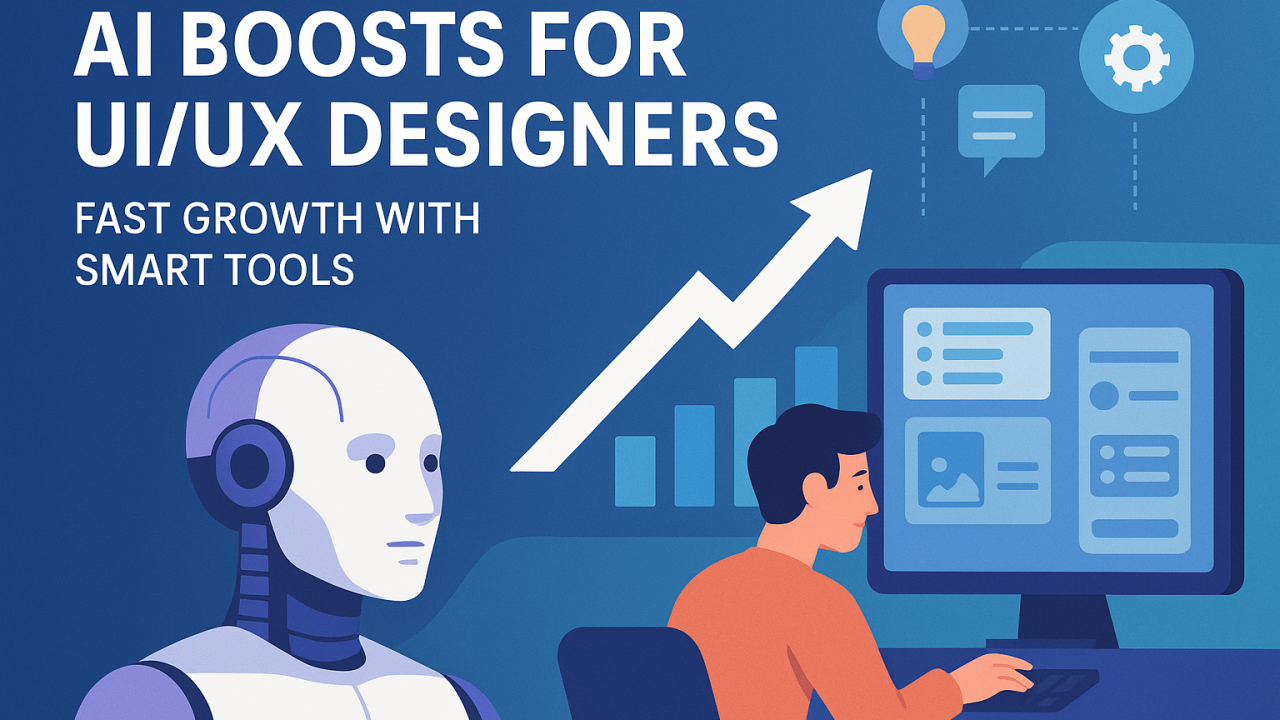
Ever felt overwhelmed by tight deadlines, endless iterations, and pressure to deliver compelling designs? Designers today juggle speed and quality. AI is stepping in as your assistant — automating tedious tasks so you focus on insight, empathy, and impact. It’s no longer a side experiment; it’s becoming a core part of design workflows. When used smartly, AI frees you to think bigger — and ship faster.
AI is the turbo boost designers have long needed. It helps you generate layouts, test flows, and create visuals without starting from zero each time. Teams now use AI tools that convert sketches to prototypes, analyze user behavior at scale, and produce microcopy variants in seconds. AI isn’t replacing designers — it’s augmenting them, helping them scale creativity and speed. Tools like Figma Make (AI-powered), Reweb, Firefly, and Uizard are already making that shift real in design teams.
Instead of staring at a blank canvas, you prompt an AI to generate moodboard visuals, layout options, or color palettes. You quickly compare variations and pick your favorites. This reduces the time you’d spend trying ideas that might flop. Because AI can explore many directions at once, you get more creative options to refine. Over time, you learn which prompts yield better results for your design language.
Sketches and wires still play a role, but AI tools can translate them into functioning prototypes fast. For example:
This means you waste less time building skeletons manually and more time testing interactions and flows.
Gathering user feedback is expensive. AI helps by sifting through open responses, clustering them into themes, and pulling out insights. Instead of manually reading dozens of transcripts, you can get a summary of major pain points, suggestions, and surprise findings in minutes. This gives you more time to design responses, not just read data.
Small words matter: button labels, error messages, notifications. AI copy assistants can propose dozens of microcopy options that fit your tone. You pick the best one — or tweak. AI helps you test wording faster and localize content more easily. That means fewer bottlenecks waiting on writers, and more options to A/B test.
Generating visuals from scratch is resource-intensive. With AI:
You save time in early mockups and can still polish further into Figma once direction is approved.
Maintaining consistency across screens is tricky. AI can scan your UI, detect spacing or color inconsistencies, or missing components. It can suggest updates to tokens or styles. This reduces manual audits and helps keep your product experience unified — especially as your product grows.
AI can run checks for color contrast, missing alt text, improper focus order, and other accessibility issues. It flags problems early so you can fix them before releasing. But it’s not perfect — always validate with real users with different abilities. Still, AI helps catch many obvious issues so your design is more inclusive from early stages.
When designers hand off to developers, clarity is essential. AI helps translate designs to CSS snippets, component specs, and structured tokens the dev team can use. You can auto-generate code comments, style guidelines, or usage instructions. That means fewer misunderstandings, fewer revisions, and smoother collaboration.
Good design is guided by data, not gut alone. AI helps you simulate which design changes will move metrics (like retention or conversion). It analyzes patterns in user behavior and helps prioritize which features or fixes will deliver the most impact. This elevates the designer’s voice in strategy conversations.
These tools are popular in 2025 reviews and by design practitioners alike.
In all cases, it helps report faster cycles, clearer direction, and more experiments per sprint.
AI inherits whatever biases are in its training data. If you’re not careful, you might propagate stereotypes, exclude minority voices, or unintentionally harm users. Always review AI outputs critically. Let human judgment lead — use AI as a tool, not an oracle. Be transparent when AI-generated content is shown to users.
To really succeed, designers should:
Those skills let you steer AI, not be steered by it.
AI is here to amplify good designers, not replace them. Start small, pick one AI tool (e.g., Reweb or Figma make), integrate it, and measure how much time you save. Use those gains to free time for research, iteration, and strategy. Over time, layer in other tools. The designers who balance human insight + AI speed will lead product innovation going forward.